Installation and Getting Started
First thing to do is to create a virtual environment by running:
virtualenv <environment name>
This will isolate an environment from which the project can be run safely without it’s dependencies conflicting with the other installed packages. After the environment is installed, activate it!
Next is to clone the room_allocator project’s repository from github onto your local machine.
From the project directory run:
pip install -r requirements.txt
- This will install all the projects dependencies which are:
- docopt
- sqlachemy
- coverage
- codecov
After dependencies are completely installed; from the terminal while in the project directory, launch an interactive session by running:
python room_allocator.py
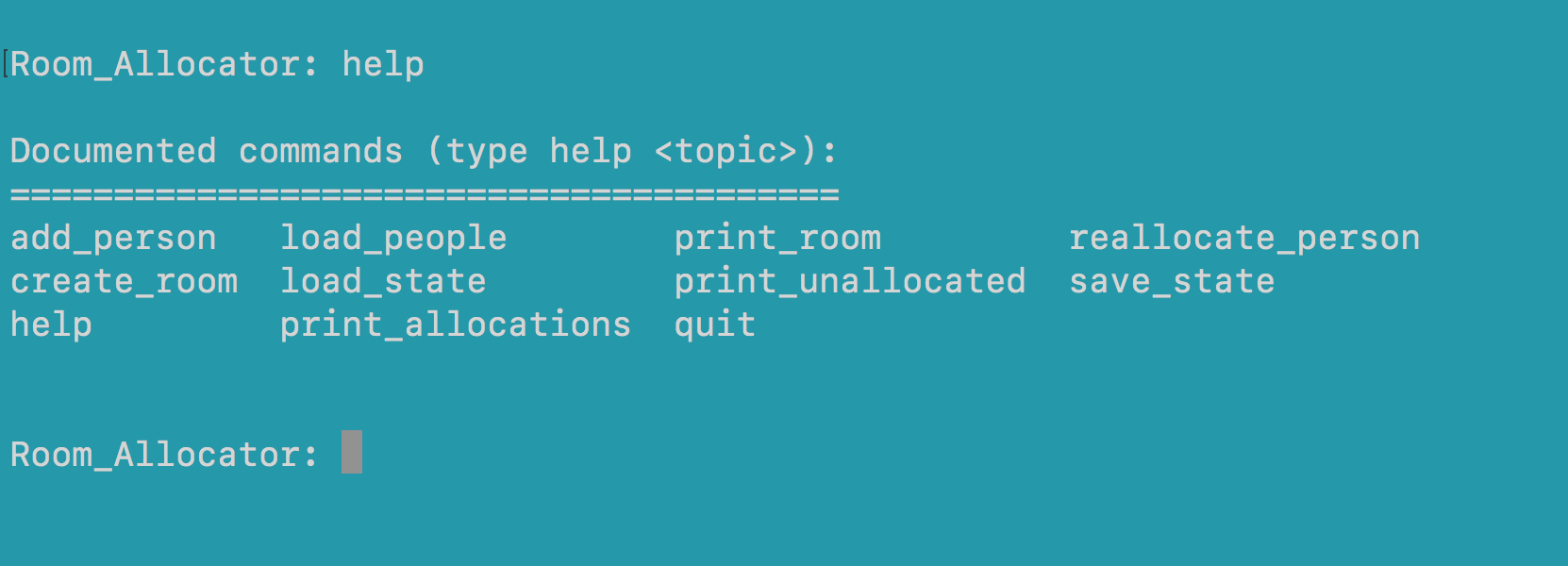
From here you can type “help” and hit enter as shown below. This will give you a list of commands to get started using the program.